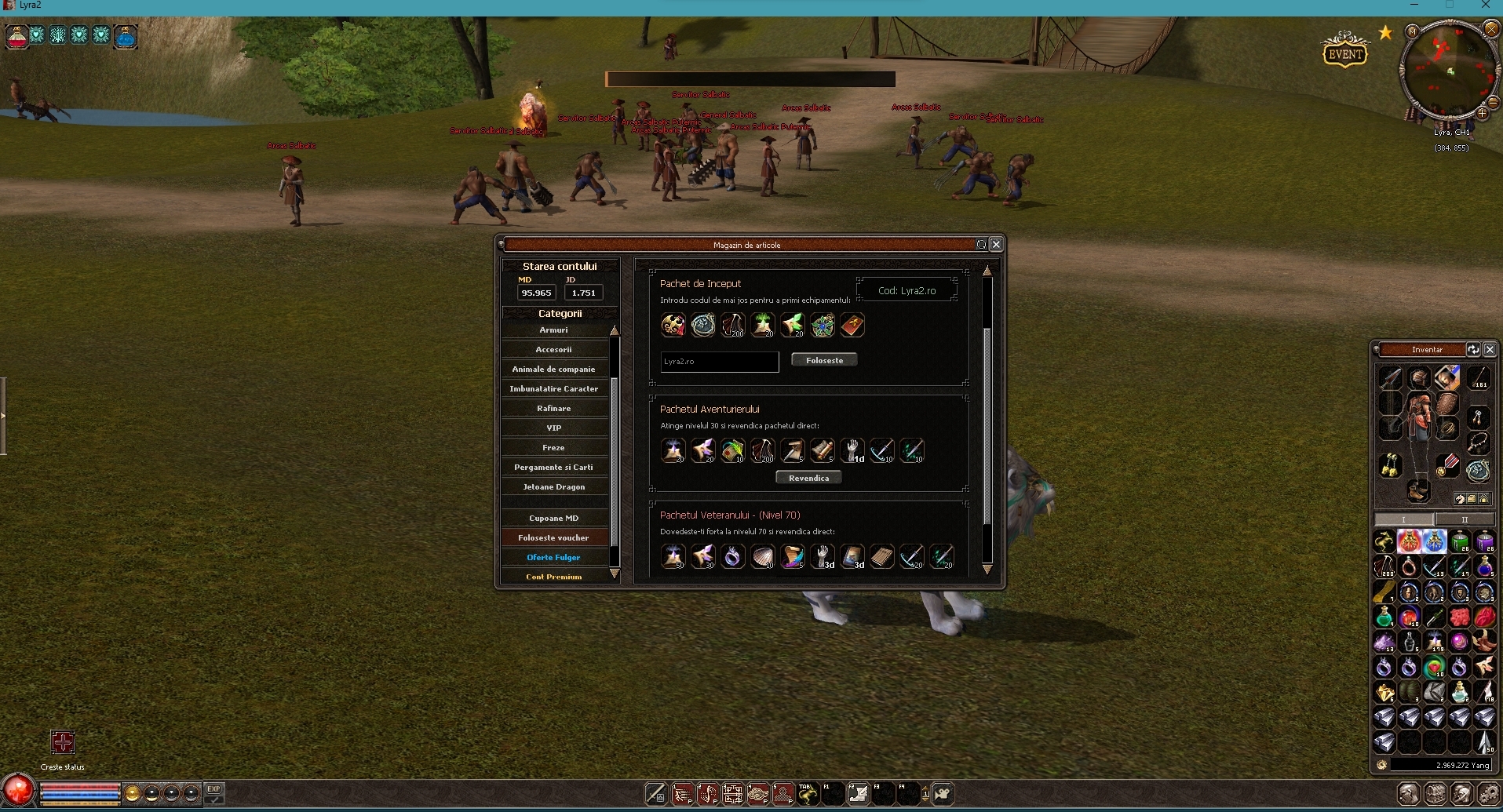
Pai am scris acolo ca nu era problema de fapt cu Client-ul, era problema de la PC-u meuc a aveam ramii sau GPU aproape de 100% si imi dadea crash automat cand deschideam al 2-lea client.

Administrator

Mesaje: 4754
Membru din: 07 Aug 2024, 21:53
Status: Pe aici.. 🤠
Server: Saga2 - Soon

Contact:
Medalii
![[Problemă] Problema freeze la doua ferestre de client deschise - Mesaj 11 - Imagine 1](https://i.postimg.cc/1tpMSBw5/11.png "[Problemă] Problema freeze la doua ferestre de client deschise - Mesaj 11 - Imagine 1")




Membru Ucenic

Membru Ucenic
se poate marca ca rezolvat, asta a fost rezolvarea.Dreu Zmeu scrie: ↑ The Administrator Rights Issue (Crucial Fix for Stability) I noticed that on my main PC (where everything worked), the client launched directly. On the laptops where it froze, the client required "Run as Administrator". Running as Admin can cause isolation issues with the GPU driver and drag-and-drop features. Disabling this requirement significantly improved stability on the affected PCs.
How to remove the Administrator requirement (Visual Studio):
You need to modify the project settings for UserInterface (or whatever your binary generation project is named, e.g., Metin2Release/Distribute).
Important: After making this change, make sure to Rebuild the UserInterface project to generate a fresh .exe with the new manifest.Code:Right Click on the UserInterface project (in Solution Explorer) -> Properties. On the left panel, go to: Configuration Properties -> Linker -> Manifest File. On the right panel, look for the line: UAC Execution Level. It is likely set to requireAdministrator. CHANGE IT to: asInvoker (/level='asInvoker'). Click Apply and OK.
Thanks to everyone for the hints regarding the semi-DX9 hybrid source and the texture unbinding logic! The client is now stable.

-
Subiecte similare

Informații
Utilizatori ce navighează pe acest forum: Niciun utilizator înregistrat și 1 vizitator
Discord ID copiat: