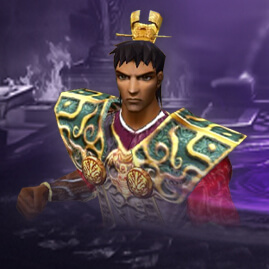
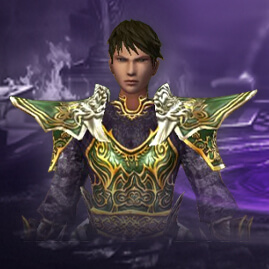
Most server owners look for optimizations to improve FPS and reduce lag in crowded player or mob areas. As far as I know, most existing optimizations involve disabling name outlines or using some form of batching, but they are often implemented incorrectly.
The biggest FPS killers in Metin2 are the huge number of draw calls, mesh deformations, particles, and effects. I spent some time addressing each of these without implementing GPU skinning, which is a major change and requires a lot of work and modifications.
I optimized everything I could from these areas and achieved a much more stable result, reducing FPS drops to only 10–20 instead of 40–50–60. I’ll let the videos speak for themselves.
Discord: saintlevant337
The price is 250e and includes this:
ImGuI + Freetype2 instalation (comes with 2 fonts MODERN AND OLD STYLE + ADDED CONFIGURATION IN GAME OPTION).
Drawcall BATCHING
RENDER GROUPING
Culling optimization
Particle optimization
Effect optimizations
Only drawcalls batching will provide you 10 to 20 fps gain in game!
Core Rendering Optimizations
# Optimization Define Impact Description
1 Frustum Culling ENABLE_FRUSTUM_CULLING High Skip rendering characters/effects/particles outside camera view
2 Character Render Limit ENABLE_CHAR_RENDER_LIMIT Very High Only render closest N characters (default: 100)
3 Effect Limit ENABLE_EFFECT_LIMIT High Global cap on effects (default: 300), player effects prioritized
4 Particle Culling ENABLE_PARTICLE_CULLING Medium-High Frustum + distance culling for particles (default: 2500 units)
5 Render Mode Batching ENABLE_RENDER_MODE_GROUPING Medium Group characters by render mode to reduce GPU state changes
ImGui + FreeType Batching System
# Optimization Define Impact Description
6 ImGui Name Batching ENABLE_IMGUI_MANAGER Very High Batch ALL names/text via ImGui + FreeType (99% draw call reduction)
7 ImGui Image Batching ENABLE_IMGUI_MANAGER Very High Batch guild marks, flags, icons via ImGui (99% draw call reduction)
8 FreeType Font Rendering ENABLE_IMGUI_MANAGER Medium Smooth anti-aliased fonts with configurable hinting
ImGui Batching Results
Feature What Gets Batched Draw Calls Before Draw Calls After
Player/Mob/NPC Names All character names 500+ 1-2
Guild Names Guild text above players 500+ (same batch)
Titles/Levels Title and level text 500+ (same batch)
Custom Align Text Special positioned text 500+ (same batch)
Item Names Dropped item labels 500+ (same batch)
Chat Bubbles Speech bubbles 500+ (same batch)
Guild Marks Guild icons 500 1
Country Flags Nation flags 500 1
Karma/Premium Icons Status icons 500 1
TOTAL 3000+ ~5
Result: 99.8% reduction in text/image draw calls!
REQUESTS FOR IMPLEMENTATION:
DX9 or DX9Ex, I DON'T WORK ON DX8.
Binary access, i don't work remotely cause every client has individial systems and there fore the OPTIMIZATION BECOME CUSTOM FOR EACH CLIENT AND HIS NEEDS!
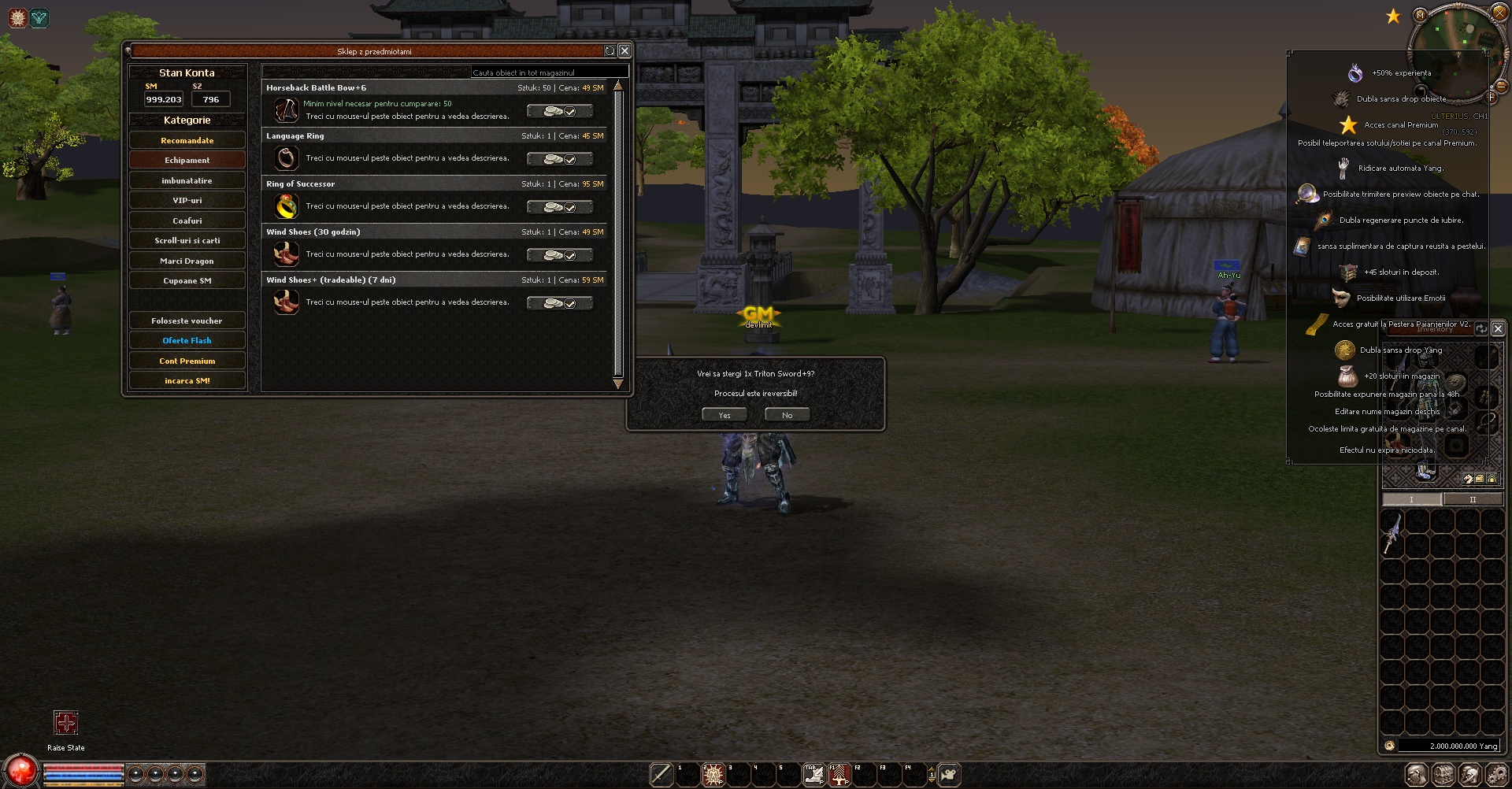
Client with optimisations drops from 145 fps to 110-120 (in the right you can see the stats)
Client with 2000 BOTS LOADED IN MAP1 120-130 fps constant (in the right you can see the stats)
Client without optimisation dropts from 145 to 27 fps (you can see that the FONT IS broken cause i disabled IMUGI and FREETYPE)
*Declar că voi presta serviciile în termenii menționați mai sus și înțeleg că, în cazul nerespectării acestora, pot fi supus unei reclamații: Da
Membru Expert

Membru Expert

🔥 Hai pe Discord! - Chat activ și support direct
Te așteptăm și pe serverul de Discord - aici ne-am strâns toată comunitatea de Metin2 din România.
Alătură-te acum!
Suntem aproape:

Roboțelu'
Anunț

Membru Avansat


Membru Avansat
I've seen his work, it's worth it.
I can only recommend it, optimization is complex and he's solved it well.
I can only recommend it, optimization is complex and he's solved it well.
Subiect ridicat ultima oară de DEVE 09 Feb 2026, 20:55.
🔥 Hai pe Discord! - Chat activ și support direct
Te așteptăm și pe serverul de Discord - aici ne-am strâns toată comunitatea de Metin2 din România.
Alătură-te acum!
Suntem aproape:
Roboțelu'
Anunț
Creează-ți un cont sau autentifică-te pentru a participa la discuție
Trebuie să fii membru pentru a răspunde
Creează-ți un cont
Membrii pot crea subiecte noi și pot descărca resurse Metin2 Gratuit!
Te poți înregistra sau conecta rapid utilizând contul tău de Discord, Github sau Google.
Autentifică-te
-
Subiecte similare
-
0Răspunsuri512Vizualizăride [HF]White
-
de Dragos » » în Sisteme Metin27Răspunsuri1601Vizualizăride Vlad
-
0Răspunsuri661Vizualizăride [HF]White
-
de annoyed__ » » în Sisteme Metin22Răspunsuri793Vizualizăride annoyed__
-
2Răspunsuri847Vizualizăride [HF]White
-




Informații
Utilizatori ce navighează pe acest forum: ElProfesor, exodus, george joker, GRINCH, LeH și 2 vizitatori
Discord ID copiat: