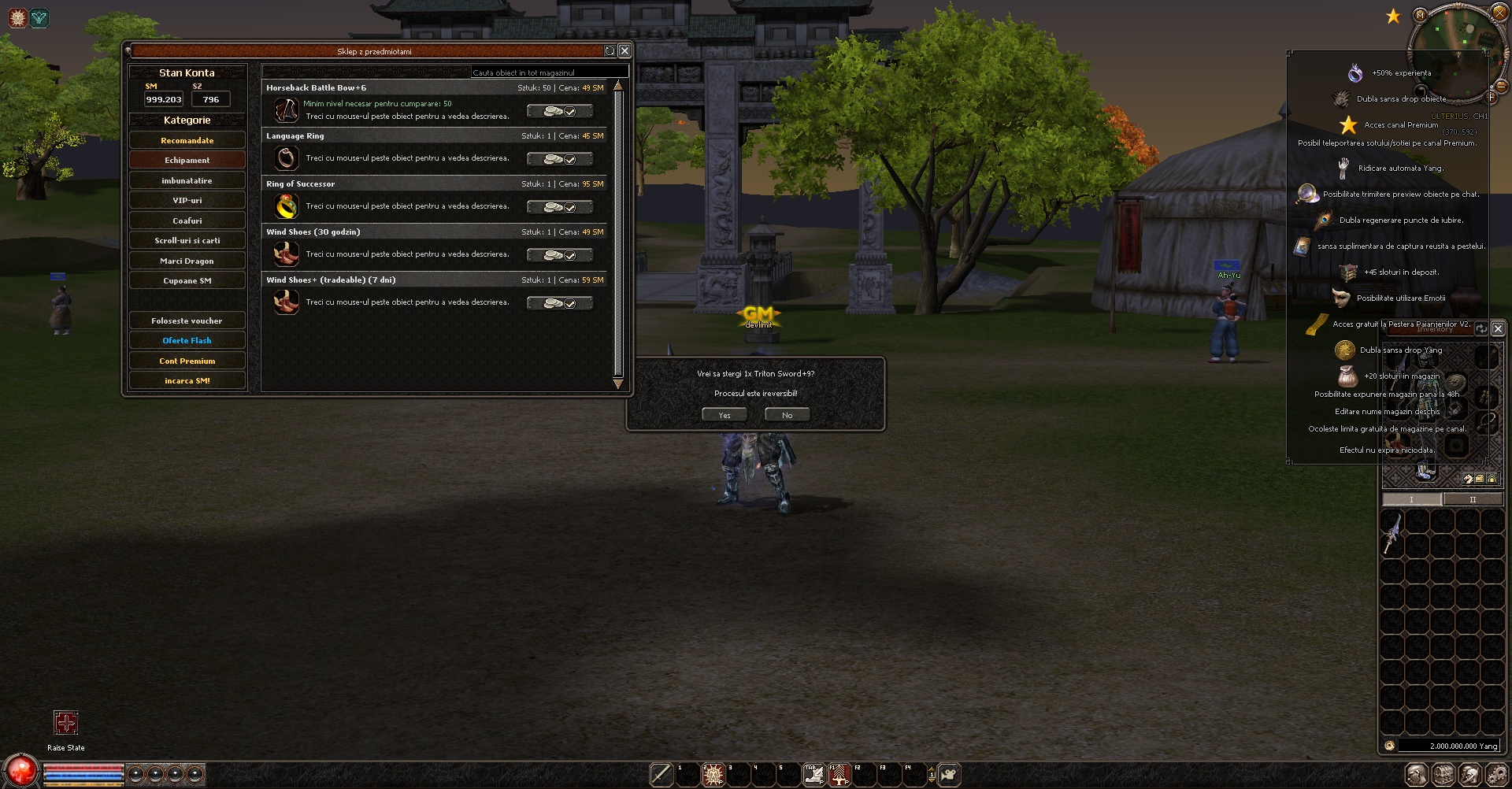


Before: the window is slightly shifted to the right
*Poze / Video:
![[C++] Metin2 Client Window Centering Bug (Win10/11) – Real Cause and Permanent Solution - Mesaj 1 - Imagine 1](https://i.ibb.co/fJmJCFK/picture.png "[C++] Metin2 Client Window Centering Bug (Win10/11) – Real Cause and Permanent Solution - Mesaj 1 - Imagine 1")
After: the window is perfectly centered, regardless of taskbar position
*Poze / Video:https://youtu.be/3nt14bw2VYU
How to
Client\Source\EterLib\MSWindow.cpp:
Code:
// Find and erase

void CMSWindow::GetWindowRect(RECT* prc)
{
    ::GetWindowRect(m_hWnd, prc);
}

// Add new helper functions

static bool GetVisualWindowRect(HWND hwnd, RECT& outRect)
{
    if (!::GetWindowRect(hwnd, &outRect))
        return false;

    using DwmGetWindowAttributeFn = HRESULT(WINAPI*)(HWND, DWORD, PVOID, DWORD);
    constexpr DWORD ExtendedFrameBounds = 9;

    static HMODULE s_dwm = ::LoadLibraryA("dwmapi.dll");
    if (!s_dwm)
        return true;

    static auto s_getAttr =
        reinterpret_cast<DwmGetWindowAttributeFn>(
            ::GetProcAddress(s_dwm, "DwmGetWindowAttribute"));

    if (!s_getAttr)
        return true;

    RECT visual{};
    if (SUCCEEDED(s_getAttr(hwnd, ExtendedFrameBounds, &visual, sizeof(visual))))
    {
        outRect = visual;
    }

    return true;
}

static POINT GetCenteredPosition(const RECT& visualRect, const RECT& workArea, const RECT& windowRect)
{
    const int width = visualRect.right - visualRect.left;
    const int height = visualRect.bottom - visualRect.top;

    const int dx = visualRect.left - windowRect.left;
    const int dy = visualRect.top - windowRect.top;

    POINT pt{};
    pt.x = workArea.left + ((workArea.right - workArea.left) - width) / 2 - dx;
    pt.y = workArea.top + ((workArea.bottom - workArea.top) - height) / 2 - dy;
    return pt;
}

// change function void CMSWindow::SetCenterPosition()

void CMSWindow::SetCenterPosition()
{
    RECT window{};
    RECT visual{};
    RECT workArea{};

    if (!::GetWindowRect(m_hWnd, &window))
        return;

    visual = window;
    GetVisualWindowRect(m_hWnd, visual);

    ::SystemParametersInfo(SPI_GETWORKAREA, 0, &workArea, 0);

    const POINT pos = GetCenteredPosition(visual, workArea, window);
    SetPosition(pos.x, pos.y);
}Code:
// Find and erase

void GetWindowRect(RECT* prc);Code:
// Find and erase

    bool bAnotherWindow = false;

    if (FindWindow(NULL, c_szName))
    {
        bAnotherWindow = true;
    }

// Find @@ bool CPythonApplication::Create(PyObject * poSelf, const char* c_szName, int wid

        AdjustSize(m_pySystem.GetWidth(), m_pySystem.GetHeight());

// Add this underneath

        CMSWindow::SetCenterPosition();

// Find and erase @@ bool CPythonApplication::Create(PyObject * poSelf, const char* c_szName, int wid


            if (bAnotherWindow)
            {
                RECT rc;

                GetClientRect(&rc);

                int windowWidth = rc.right - rc.left;
                int windowHeight = (rc.bottom - rc.top);

                CMSApplication::SetPosition(GetScreenWidth() - windowWidth, GetScreenHeight() - 60 - windowHeight);
}Code:
// Add to the top of the file

#include <shellscalingapi.h>
#pragma comment(lib, "Shcore.lib")

// Find
int APIENTRY WinMain(HINSTANCE hInstance, HINSTANCE hPrevInstance, LPSTR lpCmdLine, int nCmdShow)
{

// Add this
SetProcessDpiAwarenessContext(DPI_AWARENESS_CONTEXT_PER_MONITOR_AWARE_V2);i solved this problem some long time ago like this way:
Code:
UserInterface.cpp

int APIENTRY WinMain(HINSTANCE hInstance, HINSTANCE hPrevInstance, LPSTR lpCmdLine, int nCmdShow)
{
	SetProcessDpiAwarenessContext(DPI_AWARENESS_CONTEXT_PER_MONITOR_AWARE_V2); // this is what we need add before ini and create window

PythonApplication.cpp

		AdjustSize(m_pySystem.GetWidth(), m_pySystem.GetHeight());

		if (Windowed)
		{
			RECT rcWorkArea{};
			SystemParametersInfo(SPI_GETWORKAREA, 0, &rcWorkArea, 0);

			RECT rc{};
			GetWindowRect(&rc);
			int windowWidth  = rc.right - rc.left;
			int windowHeight = rc.bottom - rc.top;

			int x = rcWorkArea.left + (rcWorkArea.right - rcWorkArea.left - windowWidth) / 2;
			int y = rcWorkArea.top  + (rcWorkArea.bottom - rcWorkArea.top - windowHeight) / 2;

			SetWindowPos(GetWindowHandle(), NULL, x, y, 0, 0, SWP_NOZORDER | SWP_NOSIZE);
		}
		else
		{
			m_isWindowed = false;
			SetPosition(0, 0);
		}